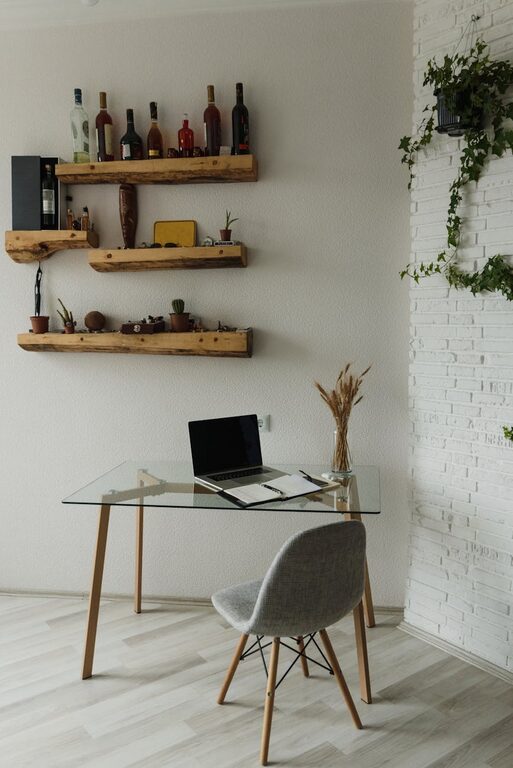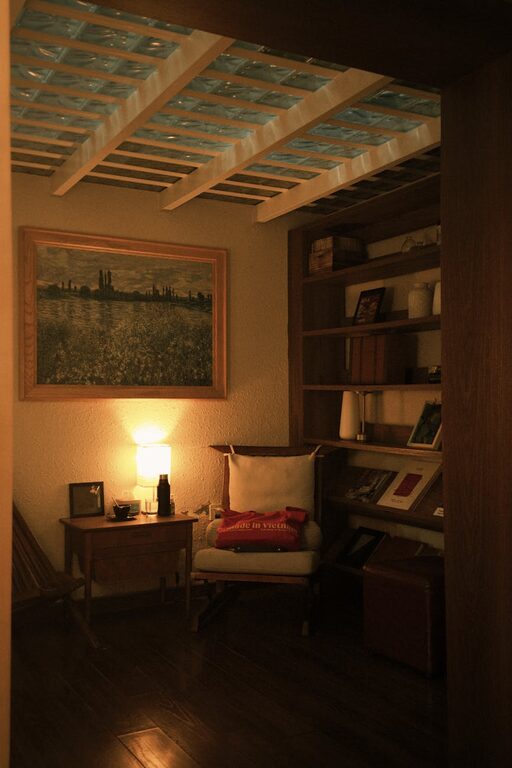
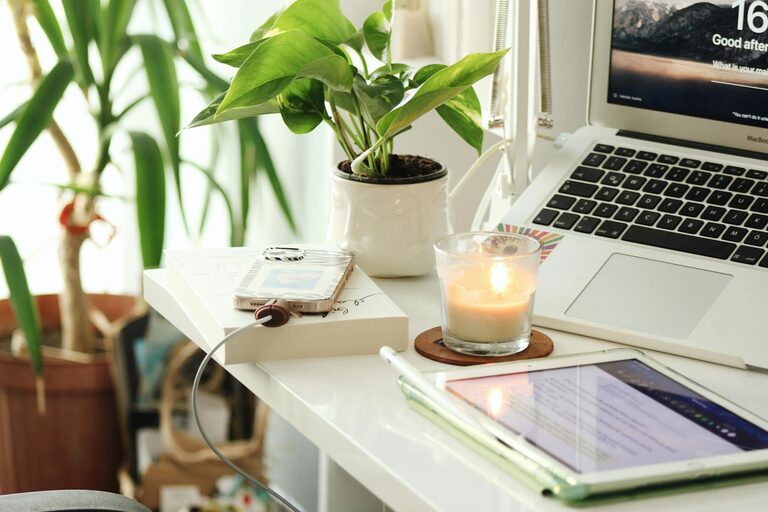
Creating a comfortable and productive home workspace is essential for staying focused and motivated, especially in today’s world where many people work remotely or spend significant time on personal projects. A well-designed workspace can enhance your mood, reduce distractions, and make your workday more enjoyable. In this post, we’ll explore practical tips to help you build a cozy and efficient home office that suits your needs.
Choose the Right Location
The first step in setting up your workspace is selecting the best spot in your home. Ideally, pick a quiet area that experiences minimal interruptions. A corner of a spare room, a nook near a window, or a dedicated room altogether can work well.
Consider Natural Light
Natural light has a positive impact on mood and energy levels. Position your desk near a window if possible. This will not only brighten your workspace but can also provide a pleasant view, helping to reduce eye strain and maintain alertness.
Minimize Distractions
Avoid high-traffic areas where family members or housemates pass frequently. If you don’t have a separate room, use room dividers or privacy screens to create a boundary between your workspace and the rest of your home.
Focus on Ergonomics
A comfortable setup prevents discomfort and fatigue, which can hinder productivity. Ergonomics is about shaping your workspace to support your body in a neutral and relaxed position.
Invest in a Good Chair
Choose an adjustable chair with proper lumbar support and cushioning. Your feet should rest flat on the floor, and your knees should be at roughly a 90-degree angle.
Desk Height and Monitor Position
Your desk should allow your arms to rest comfortably with elbows close to your body. The top of your computer screen should be at or slightly below eye level to prevent neck strain. Consider using a monitor stand if necessary.
Keyboard and Mouse Placement
Keep your keyboard and mouse close enough to avoid overreaching. A wrist rest or ergonomic keyboard can help reduce strain during long typing sessions.
Personalize Your Space for Comfort
Adding elements that make you feel relaxed and happy can improve your work experience.
Incorporate Soft Textiles
Use a comfy rug, cushions, or a cozy throw blanket to add warmth to your space and reduce noise.
Add Greenery
Plants not only improve air quality but also create a calming environment. Choose easy-care plants like succulents or spider plants.
Use Soothing Colors
Paint or decorate your workspace in colors that help you concentrate and feel relaxed. Soft blues, greens, and neutral tones are popular choices.
Optimize Lighting
Besides natural light, ensure you have adequate artificial lighting for working during darker hours.
Use Task Lighting
A desk lamp with adjustable brightness can focus light where you need it most, reducing eye fatigue.
Avoid Glare
Position lights to avoid glare on your computer screen. Consider using matte screen protectors if reflections are an issue.
Organize for Efficiency
A tidy workspace helps clear your mind and makes it easier to find what you need.
Declutter Regularly
Keep only essential items on your desk. Store supplies and documents in drawers or file organizers.
Use Storage Solutions
Shelving units, baskets, and drawer organizers can keep your workspace neat and accessible.
Set Up a System
Implement a filing system for papers and digital organization for your computer files to keep everything in order.
Incorporate Technology Wisely
Technology can boost your productivity if used well.
Reliable Internet Connection
Ensure your workspace has strong and stable internet access.
Cable Management
Use clips or sleeves to organize cords and prevent tangles.
Choose Productivity Tools
Leverage apps and software that help with task management, scheduling, and communication.
Establish Boundaries and Routine
Creating a workspace is only part of the equation—how you use it matters too.
Set Work Hours
Define your working schedule and communicate it to others in your household.
Take Regular Breaks
Step away from your desk periodically to stretch, rest your eyes, and refresh your mind.
Keep Work and Leisure Separate
Try to limit work-related activities to your dedicated workspace to mentally separate work life from home life.
—
By thoughtfully designing your home workspace with comfort and functionality in mind, you can create an environment that supports your productivity and well-being. Making small adjustments and personalizing your setup goes a long way toward enjoying your workday, whether at home or working remotely. Start with the basics and adapt your space as your needs evolve. A cozy and productive workspace is within your reach!
About the Author